15 Room LED Gaming Ideas to Upgrade Your Setup
Introduction
Most gaming rooms do not look bad because of the PC, monitor, or desk. The problem is usually the lighting. You can spend a lot on gear and still end up with a setup that feels flat, messy, or too harsh at night.
That happens because many people copy random RGB trends from TikTok or Pinterest without thinking about comfort or placement. LED strips get slapped on walls. Colors clash. Bright lights bounce into the screen. Small rooms start feeling crowded fast.
The good news is that you do not need a huge budget or a giant room to fix this. A few smart lighting changes can make your setup feel cleaner, calmer, and more premium.
These room LED gaming ideas focus on what actually works in 2026. You will learn how to layer lighting, reduce eye strain, make small spaces feel bigger, and build a gaming room LED setup that looks good both on camera and in real life.
Start With Bias Lighting Behind the Monitor
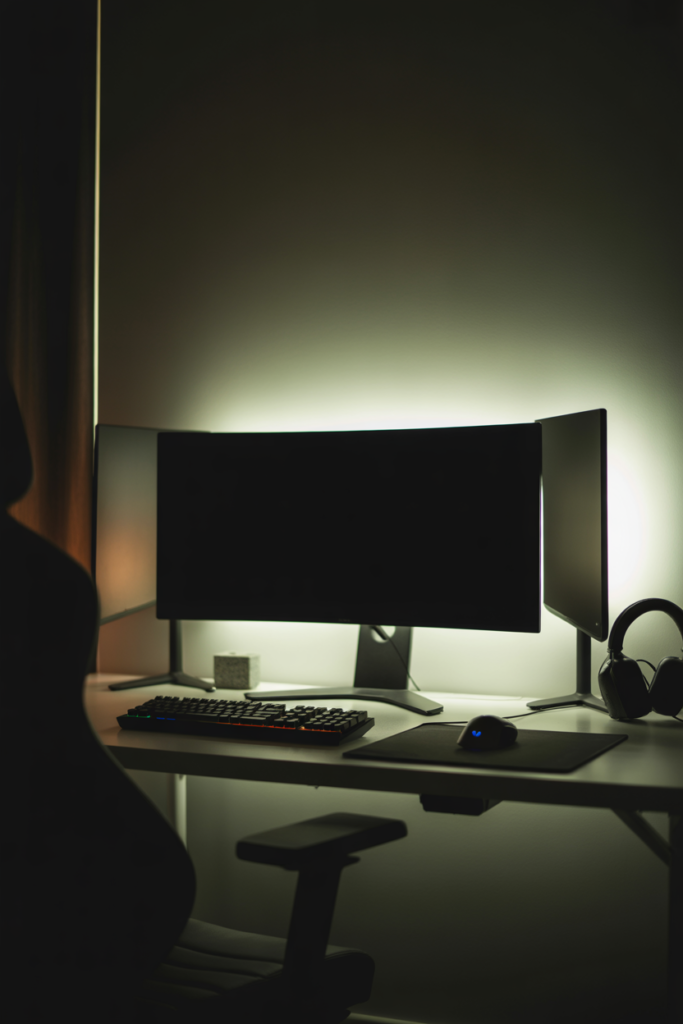
Most gamers focus on ceiling lights first. That is usually the wrong move.
The monitor is where your eyes stay for hours. If the screen is bright and the wall behind it is dark, your eyes work harder to adjust. This can cause fatigue during long gaming sessions.
That is why bias lighting matters so much. It places soft LED lighting behind the monitor to reduce harsh contrast. According to lighting ergonomics research shared by Home Desk Pro, balanced ambient lighting can help reduce perceived eye strain during screen use.
This setup works best with soft white or neutral white LEDs instead of strong rainbow RGB colors. Around 6500K daylight white works well for competitive gaming. Warm white works better for console gaming or relaxed story games.
RGBIC strips are usually better than standard RGB strips because they can show multiple colors at once. But honestly, a simple white backlight often looks cleaner than a full rainbow effect.
If you use an ultrawide monitor, place the strip around all four edges instead of only the top. Keep the brightness low. Around 10 to 25 percent of your monitor brightness usually feels comfortable.
This is one of the easiest gaming room lighting ideas you can add in under 15 minutes.
Install RGBIC LED Strips Under the Desk
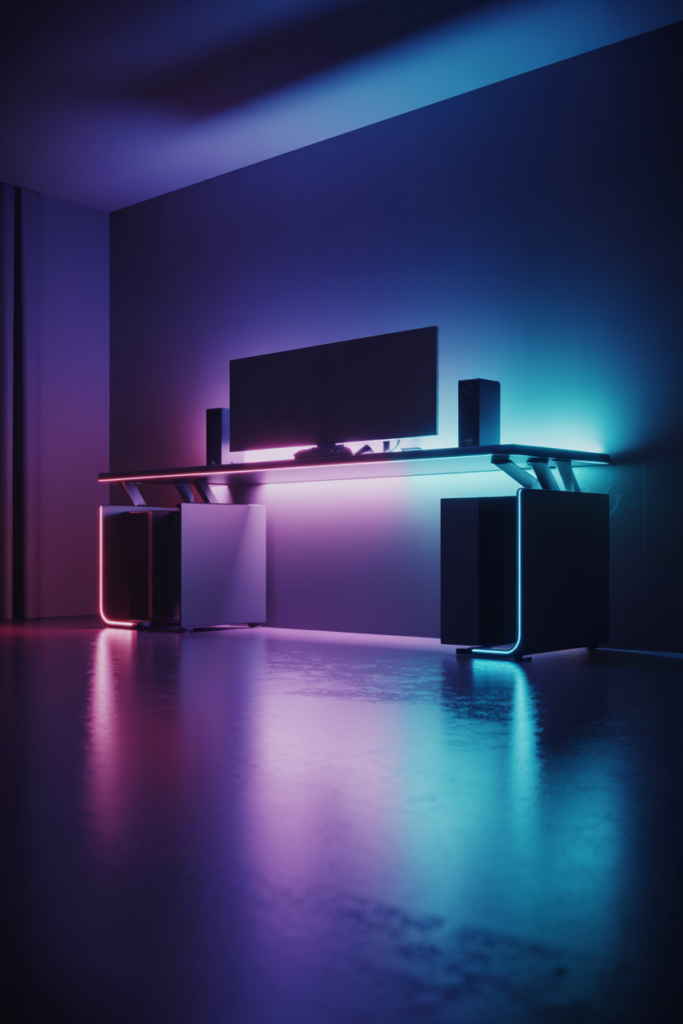
A gaming desk can look heavy and plain without lighting underneath it. Under desk LEDs fix that fast.
This works because indirect light adds depth without blasting brightness directly into your eyes. It also makes the desk appear like it is floating above the floor.
RGBIC strips are the better choice here because they create smoother gradients and motion effects. Standard RGB strips usually look flat by comparison.
Place the strip slightly behind the desk frame instead of directly at the edge. This hides the LEDs and creates a softer glow. And here is why that matters. Exposed LEDs often look cheap in person.
This is also a smart spot to hide cables. Once the lights turn on, small wires become less noticeable.
Many gamers spend hundreds on accessories while skipping this simple upgrade. But according to GReverse, under desk RGB lighting remains one of the highest visual impact upgrades under $25.
For smaller rooms, stick with one color tone instead of changing effects constantly. Purple, ice blue, and soft amber usually look cleaner than rainbow cycling.
This room LED gaming idea works especially well for black desks and darker flooring.
Use Hexagon or Triangle Wall Panels as a Focal Point
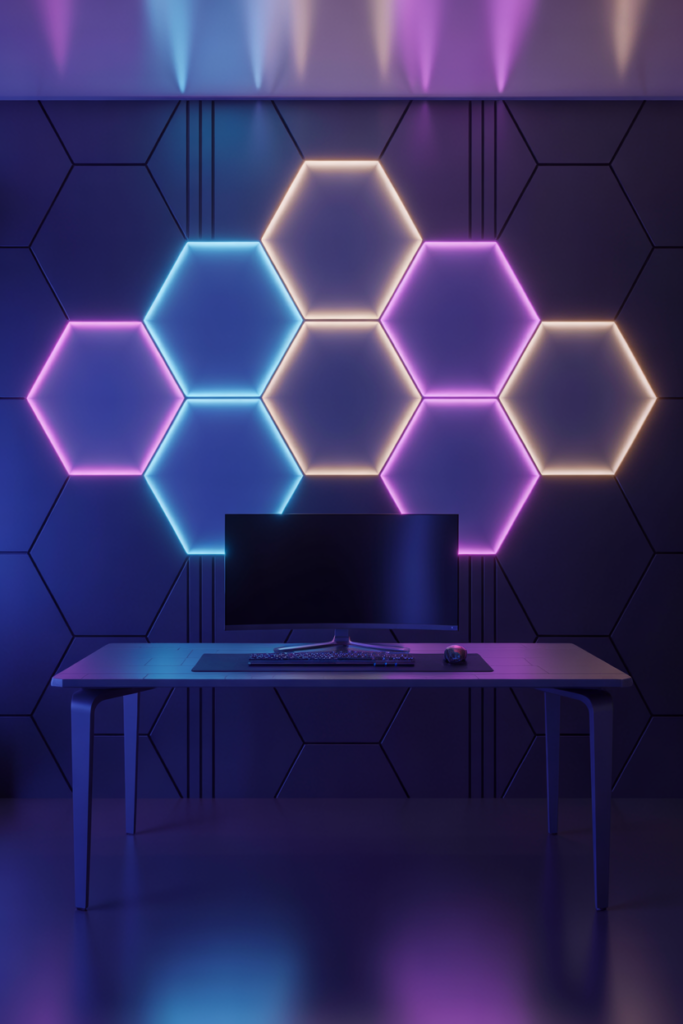
Plain walls can make a gaming setup feel unfinished. That is why LED wall panels became so popular over the last few years.
But in 2026, people use them differently.
Instead of covering entire walls with glowing shapes, modern setups use smaller layouts as a clean focal point. This creates balance and keeps the room from feeling overloaded.
Hexagon panels work well behind ultrawide monitors. Triangle panels fit nicely above dual monitor setups. A simple honeycomb pattern often looks better than giant random designs.
According to Rescene Studio, layered lighting and wall texture are replacing the old “RGB everywhere” style that dominated earlier gaming setups.
Small rooms benefit the most from minimal patterns. Six to nine panels are usually enough. Too many panels can make the room feel busy and smaller than it really is.
Placement matters too. Try centering the layout with the desk instead of pushing it to one side. Symmetry helps the room feel cleaner on camera and in real life.
Smart sync features can also connect the wall lights to games, music, or screen colors. That sounds cool, but keep effects subtle. Fast flashing patterns become distracting after a while.
Good wall lighting should support the setup. It should not overpower everything else.
Add LED Shelf Lighting for Collectibles and Consoles
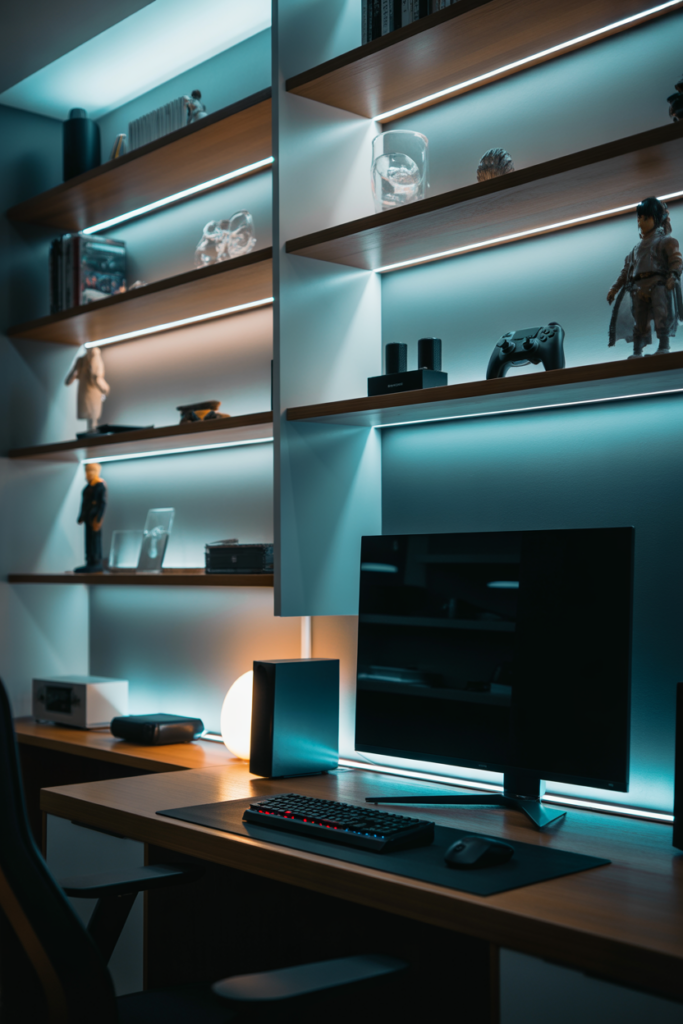
Gaming shelves often disappear into the background at night. LED shelf lighting helps fix that.
Soft shelf lighting adds depth to the room and makes collectibles stand out without needing extra lamps. It also creates a cleaner separation between different parts of the setup.
This works especially well for console gaming rooms. A PS5 with soft blue backlighting instantly looks more polished. The same goes for anime figures, keyboards, controllers, and boxed collectibles.
Floating shelves usually look best with hidden LED strips underneath the front edge. Glass shelves work better with side lighting because the glow spreads through the glass.
Avoid placing bright strips directly where you can see the LEDs. The light should feel soft and indirect.
Warm white lighting works great for wood shelves. Cooler white or light blue fits black furniture and modern setups better.
This is also a good place to avoid clutter. Too many glowing objects compete for attention. Leave some empty space between items so the room can breathe visually.
Small changes like this help a gaming room feel designed instead of randomly decorated.
Create a Dual Zone Lighting Setup
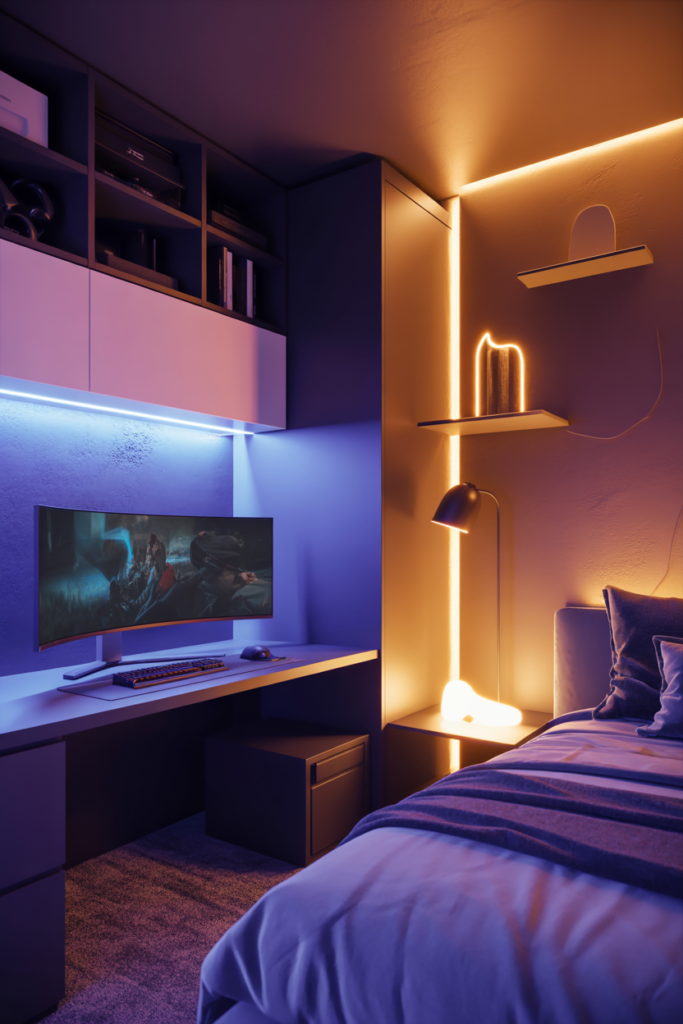
A lot of gaming rooms fail because every light does the same thing.
The entire room glows one bright RGB color all night. That may look cool in short videos, but it gets tiring fast.
A dual zone setup solves this problem.
One zone handles gaming. The other handles relaxation.
Your gaming zone can use stronger RGB lighting near the desk, monitor, or wall panels. Your relaxation zone should feel softer and warmer. Think floor lamps, shelf lighting, or warm LED corners.
This layered style is becoming more common in 2026 because people want setups that work for gaming, studying, watching shows, and relaxing.
Livingetc reports that layered lighting trends are growing because they improve comfort and room usability at the same time.
This matters more in small bedrooms where one room has to handle everything.
Smart scenes help a lot here. You can set one mode for gaming and another for late night use. Some apps even allow automatic brightness changes after midnight.
And honestly, this setup feels better long term than blasting neon lights 24 hours a day.
Use Smart Reactive Screen Sync Lighting
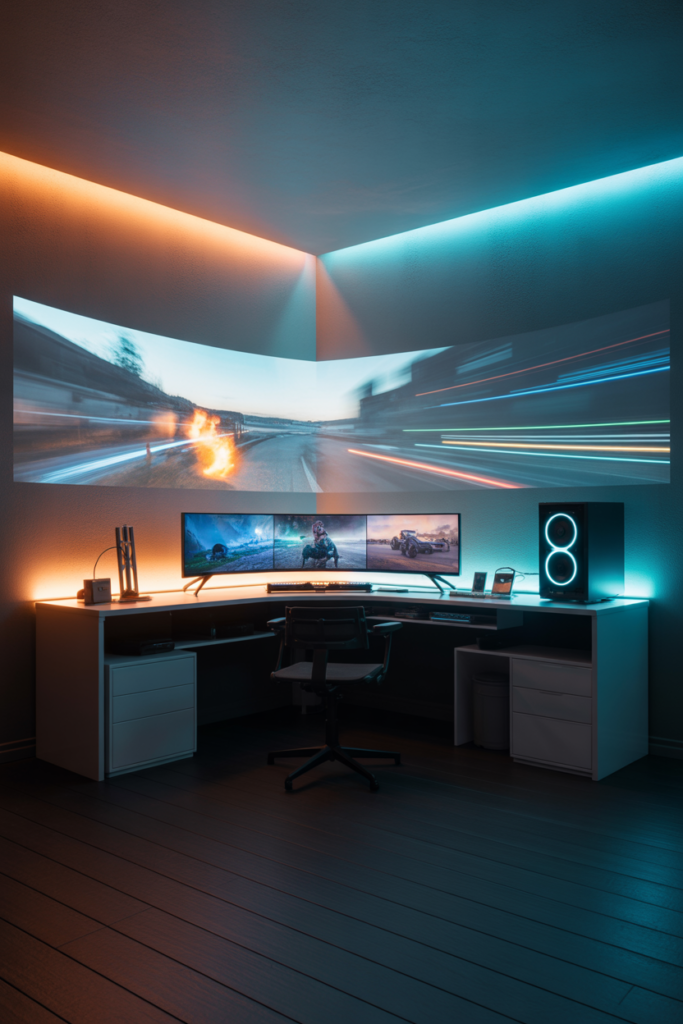
Reactive lighting is one of the biggest upgrades for immersive gaming. But many people buy the wrong system.
Screen sync lighting changes your LEDs based on what happens on the monitor or TV. Explosions flash orange. Racing games create moving light trails. Dark scenes dim the room automatically.
There are three main types.
Camera based systems use a small camera mounted above the screen. These are easier to install but slightly slower.
HDMI sync boxes connect directly to consoles or TVs. These are more accurate but cost more.
Software sync systems run directly through your PC. According to GReverse, software based systems can reach much lower latency than camera systems. Some setups react in around 30 milliseconds while camera systems can reach around 100 milliseconds.
That difference matters most in fast games.
For PC gaming, software sync is usually the best value. For consoles, HDMI sync works better.
Do not overdo brightness though. Strong reactive flashes can become distracting during competitive gaming.
This feature works best when the room already has balanced ambient lighting underneath it. Think of reactive lighting as an extra layer instead of the main source of light.
That is what separates premium setups from chaotic RGB rooms.
Upgrade Small Rooms With Vertical LED Lighting
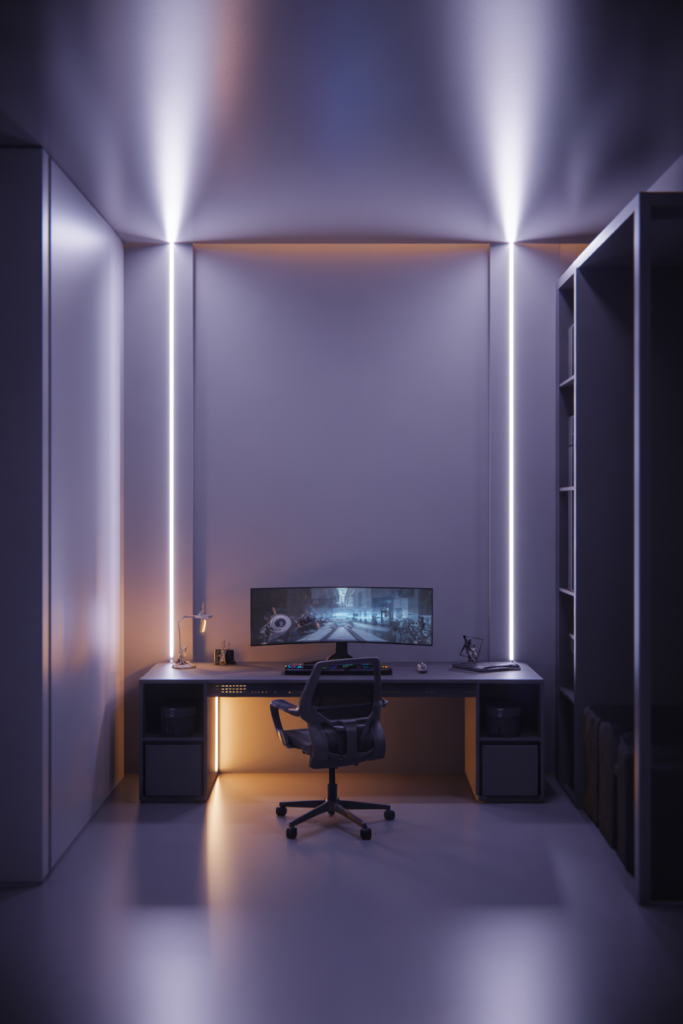
Small gaming rooms often feel cramped because everything spreads sideways.
Vertical lighting helps fix that.
Tall LED light bars pull attention upward and make ceilings appear higher. This simple trick can make a tiny bedroom feel much more open.
Corner placement usually works best. A single vertical light in the back corner creates depth without taking desk space.
This also helps reduce wall clutter. Instead of adding more shelves or wall panels, you add one clean lighting element.
Modern small room setups now focus more on vertical lighting and modular placement because space matters more than ever. Gaming Hexagon Lights highlighted this shift in newer compact gaming room designs.
White walls reflect vertical lighting especially well. Dark walls create a more dramatic glow.
Avoid placing multiple light bars next to each other unless the room is large. One or two is usually enough.
This setup works surprisingly well for renters too because most vertical lights require little or no wall mounting.
Add Warm Ambient Lighting to Balance RGB
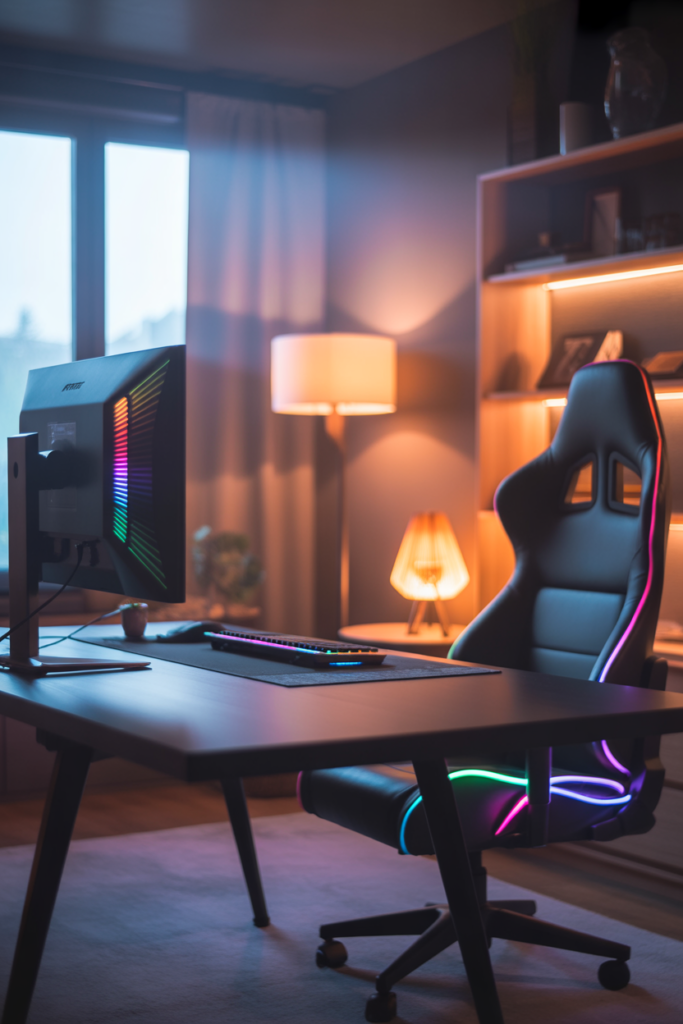
Many RGB setups look exciting for one week. Then they start feeling exhausting.
That usually happens because the room lacks warm ambient lighting.
Cool RGB tones create energy, but too much blue or purple light can make a room feel cold and harsh. Warm lighting balances that out.
This is why modern gaming setups in 2026 are shifting toward softer layered lighting instead of pure neon effects. Livingetc reports that designers are moving away from overly harsh lighting trends and focusing more on comfort.
A warm floor lamp behind the chair can completely change the mood of the room. Warm shelf lighting also softens strong RGB tones.
The goal is contrast. Warm light makes RGB colors stand out more naturally.
Try using warm white lighting around 2700K to 3000K for relaxation zones. Then use RGB only where you want visual focus.
This also helps your room look better during daytime. Pure RGB setups often feel awkward with sunlight coming in through windows.
A balanced room feels better both day and night.
Build a Streaming Friendly Background
A gaming room may look great in person but terrible on camera.
Streaming changes everything.
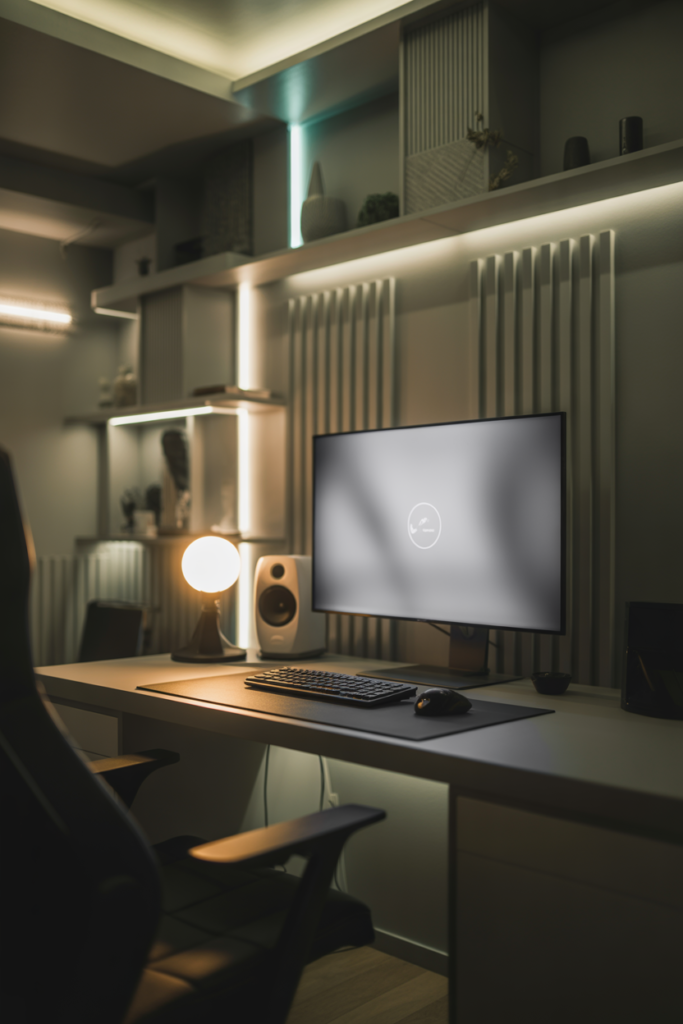
Webcams flatten lighting and remove depth. That is why streamers rely on layered background lighting instead of one giant RGB source.
Your face should stay brighter than the background. Otherwise the camera struggles to expose the image correctly.
Soft LED wall lighting works well behind shelves or acoustic panels. This adds separation without overpowering the frame.
Lighting also affects stream quality more than many people realize. Eklipse.gg points out that room lighting often improves stream appearance more than expensive accessories.
A simple key light near the monitor can improve webcam quality instantly. Then you can use RGB accents behind you for atmosphere.
Avoid strong LEDs directly visible to the camera. These create blown out highlights and distracting hotspots.
This is another place where warm ambient lighting helps. Stream backgrounds feel more professional when colors are balanced instead of blasting pure neon everywhere.
Use LED Ceiling Lighting for Full Room Glow
Ceiling lighting changes the mood of the whole room faster than almost anything else.
But exposed ceiling LED strips usually look messy.
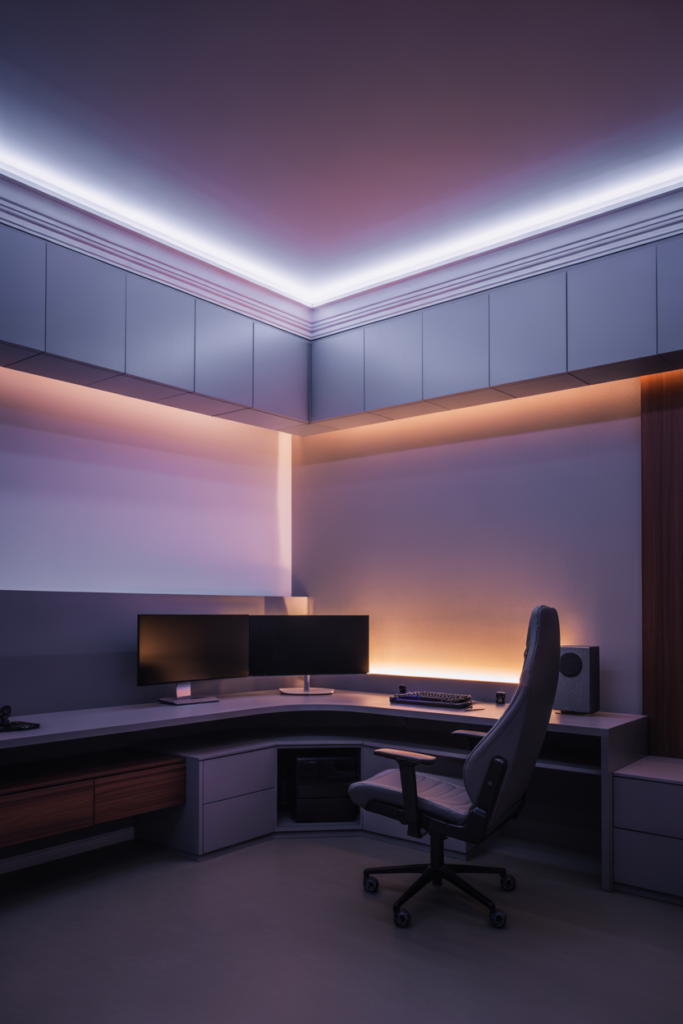
A cleaner option is perimeter lighting placed slightly behind ceiling edges or crown molding. This creates soft indirect light across the room.
Diffused lighting feels far more premium than visible LED dots.
White ceilings reflect RGB colors better than dark ceilings. Matte paint also spreads light more evenly than glossy finishes.
Smart dimmers help a lot here because ceiling lights affect the entire room brightness. Strong ceiling RGB may look nice for photos but can become overwhelming during actual gaming.
Soft purple, warm amber, or cool white glows usually work best.
This setup also helps smaller rooms feel larger because the ceiling glow spreads light across wider surfaces.
If your room already has wall panels and desk lighting, ceiling lighting should stay subtle. Too many bright layers compete with each other.
Install Motion Activated Floor Lighting
Nobody likes turning on bright overhead lights during late night gaming.
Motion activated floor lighting solves that problem.
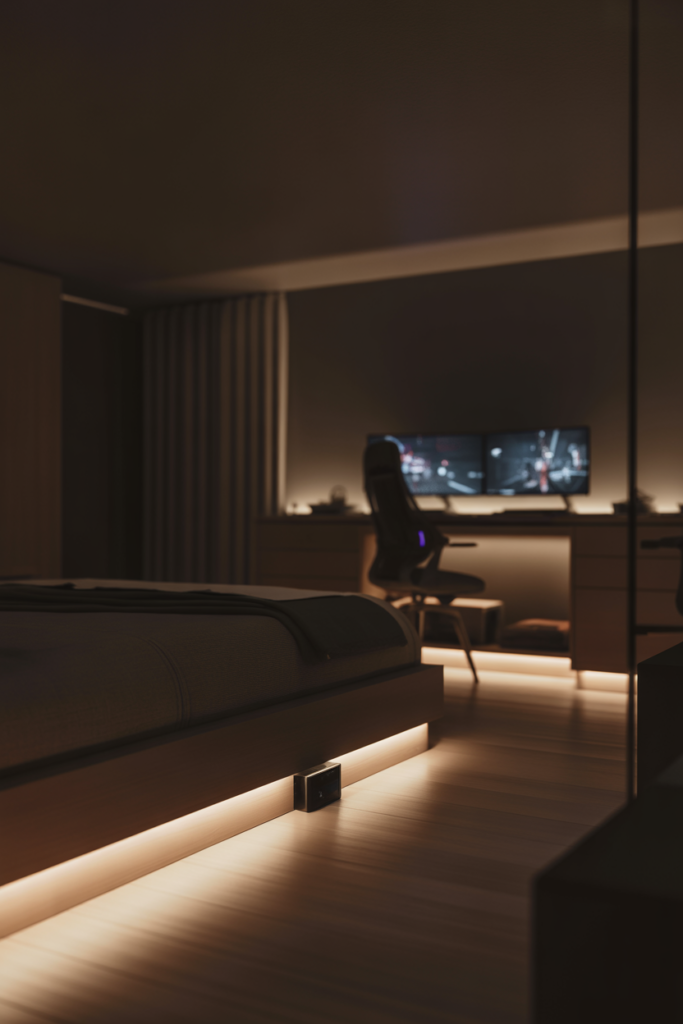
This setup uses small LEDs near the floor, bed, or desk pathway that turn on automatically when movement is detected.
It feels simple, but it makes the room much more comfortable at night.
Under bed LEDs work especially well because they create a floating effect while adding soft navigation light.
Warm white lighting usually works best here. Bright RGB floor lighting can feel distracting during nighttime use.
This is also useful for minimalist setups because the lighting stays hidden until needed.
Motion sensor strips are now affordable and easy to install with adhesive backing. Most also connect to smart home apps for schedules and brightness control.
Small comfort upgrades like this improve everyday use more than flashy RGB effects.
Add Music Sync LED Lighting for Parties and Streams
Music reactive lighting can make a gaming room feel more alive. But there is a right way to use it.
Fast flashing rainbow effects everywhere usually look chaotic. Softer music sync zones feel much cleaner.
The best setups use music sync lighting as a background layer instead of the main focus.
This works great for Twitch streams, racing simulators, casual hangouts, or weekend gaming sessions with friends.
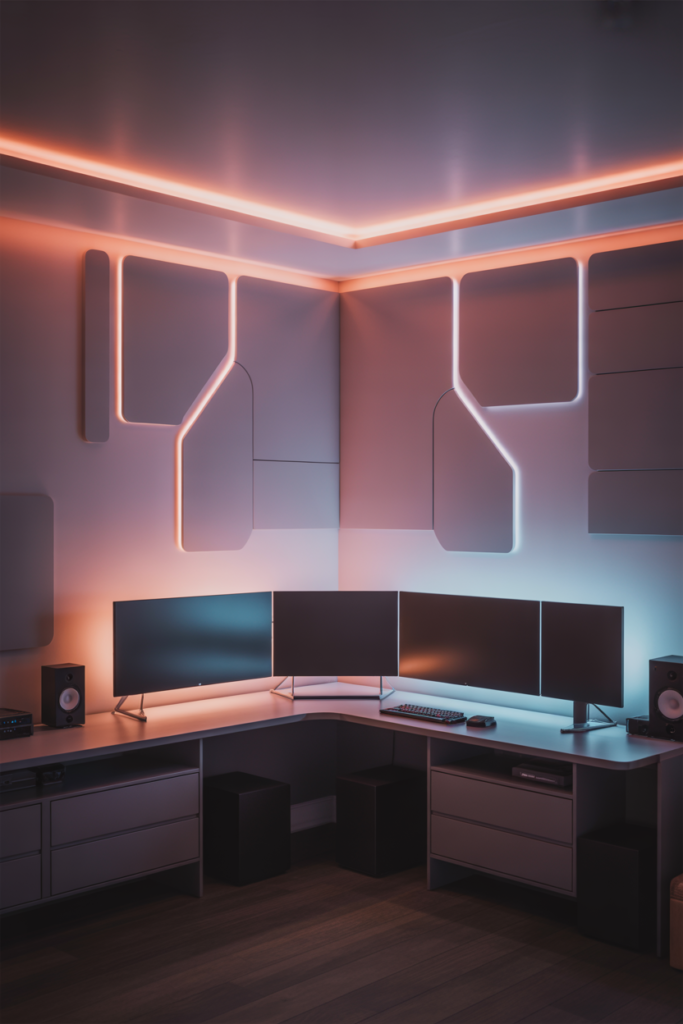
Wall panels and ceiling lighting usually react best because the glow spreads naturally through the room.
Desk lighting should stay calmer. Constant flashing near your keyboard gets distracting fast.
Many smart LED systems now include built in microphones or software syncing for music response. Some even match bass frequencies separately from vocals.
Keep sensitivity lower than default settings. Subtle movement looks more premium than nonstop color explosions.
And honestly, your eyes will thank you later.
Hide LED Strips With Diffusers for a Premium Look
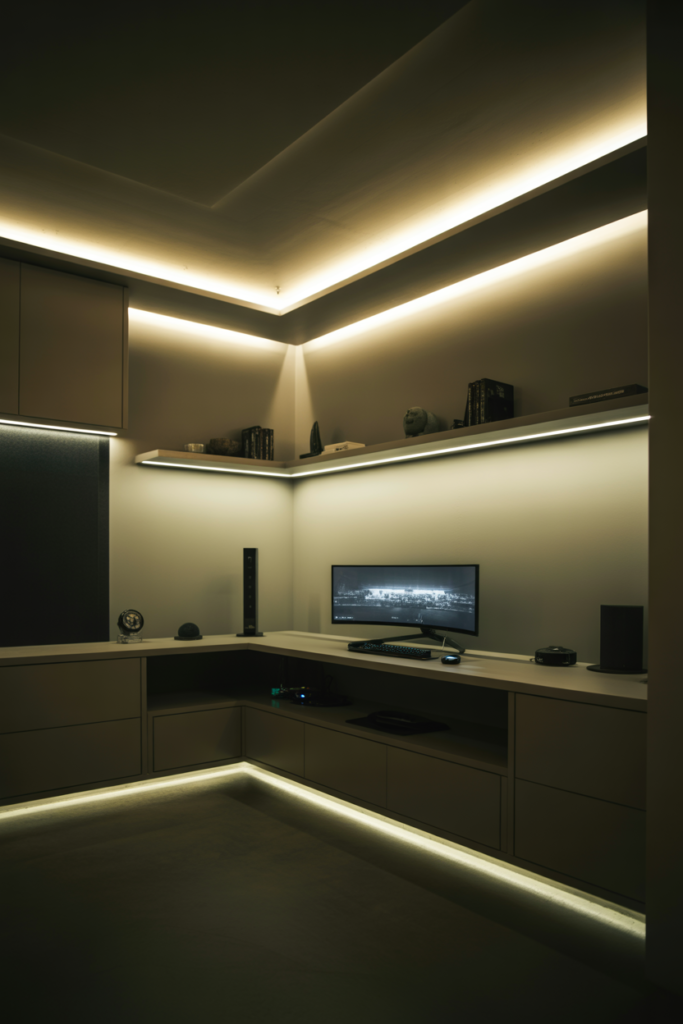
One mistake ruins many gaming rooms instantly.
Visible LED dots.
Even expensive lighting can look cheap when bare strips are exposed everywhere.
Diffusers solve this problem.
These are simple covers or channels placed over LED strips to soften the light and hide the individual bulbs. The result looks cleaner, smoother, and more expensive.
GlowRig reports that indirect diffused lighting is replacing harsh exposed RGB styles in modern setups.
This trend makes sense. Soft light feels easier on the eyes and photographs better too.
Diffusers work especially well under desks, shelves, and ceiling edges. Aluminum channels also help manage heat and improve strip lifespan.
Cable management matters here too. Even the best LEDs look messy beside hanging wires.
This upgrade is not flashy. But it quietly improves the entire room.
Create a Cyberpunk Inspired RGB Gaming Room
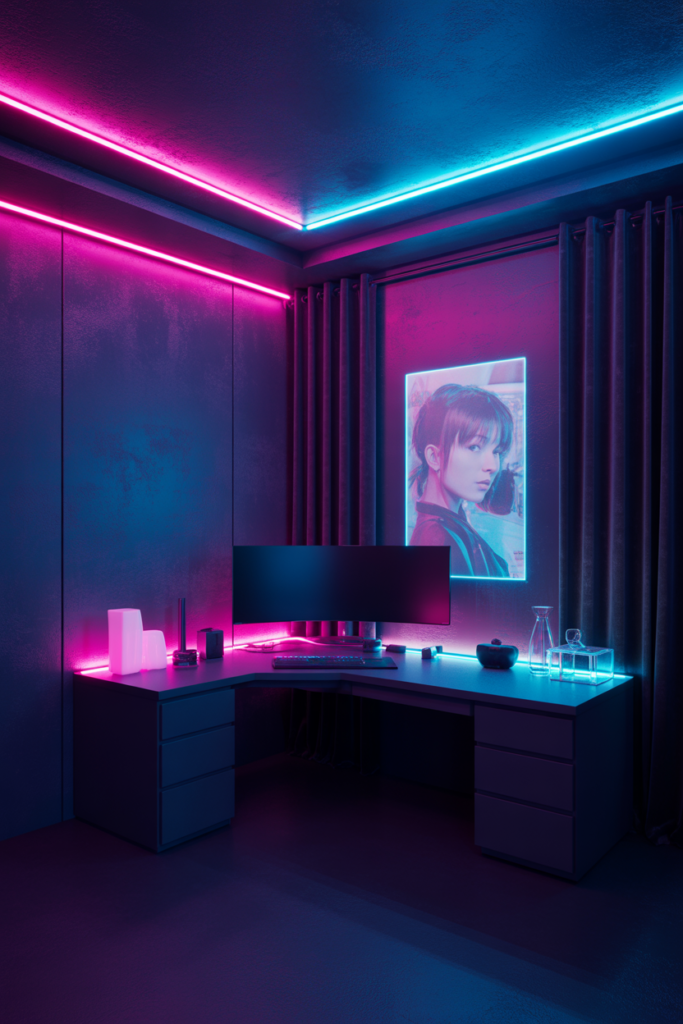
Cyberpunk setups remain popular because they create strong atmosphere without needing expensive furniture.
The key is restraint.
Too many colors ruin the effect.
Most good cyberpunk gaming rooms stick with two main tones. Neon pink and electric blue remain popular because they reflect well on darker surfaces.
Black walls, dark curtains, and matte furniture help the lighting stand out more dramatically.
Poster backlighting also works well here. A simple anime poster with soft edge lighting can completely change the wall.
Reflective surfaces help bounce colors through the room. Glass desks, acrylic accessories, and glossy decor all increase the glow effect.
This style works best at night, so balanced ambient lighting still matters during daytime use.
And yes, it can look amazing. But it is harder to keep clean visually than minimalist setups.
Build a Minimalist White LED Gaming Setup
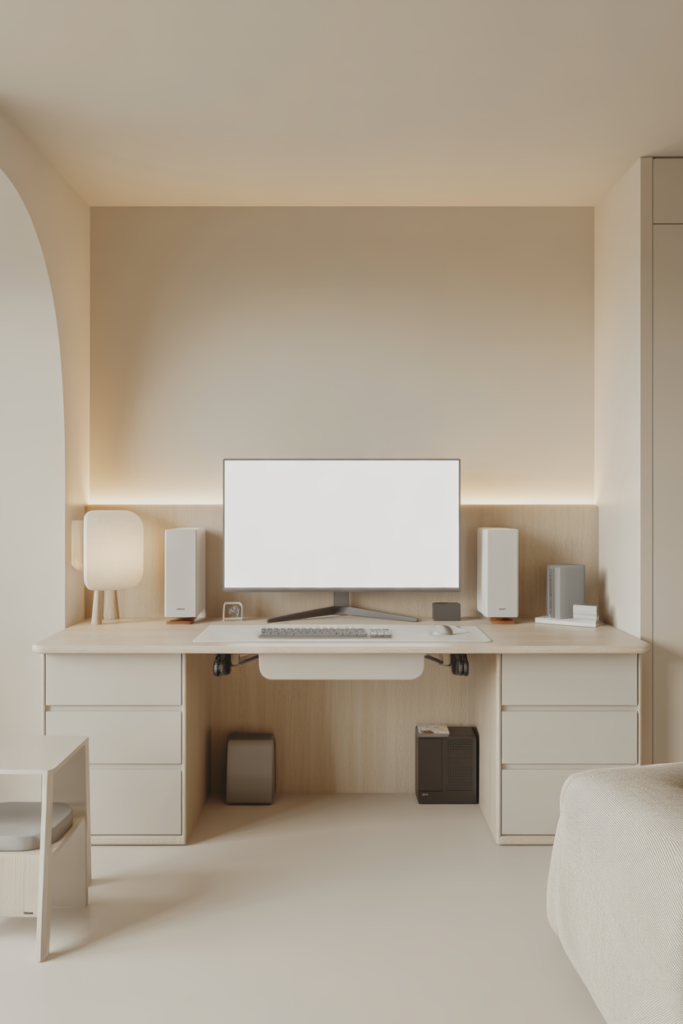
Not everyone wants rainbow RGB.
Minimalist white setups are growing fast because they feel calmer, cleaner, and easier to live with daily.
These rooms focus more on soft white lighting, clean cable management, and balanced layouts.
Neutral white LEDs around 4000K to 5000K usually work best. They feel modern without becoming too cold.
Scandinavian inspired gaming rooms often combine light wood desks, matte white accessories, and soft indirect lighting.
This style also photographs extremely well because the room feels bright and uncluttered.
Cable management becomes more important here because white setups expose messes faster than dark RGB rooms.
The good news is that minimalist rooms usually cost less to maintain visually. You do not need dozens of glowing accessories to make the setup feel complete.
Sometimes less really does look better.
Finish With Smart Automation and Scenes
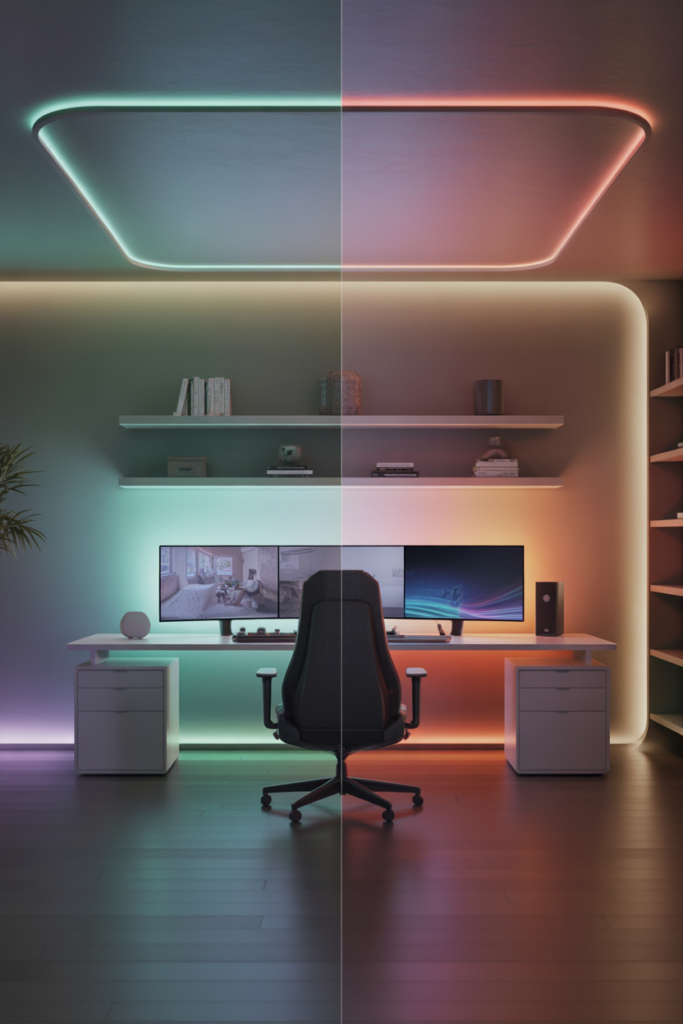
The best gaming rooms in 2026 do more than glow.
They adapt automatically.
Smart automation allows your room to switch lighting scenes based on time, activity, or voice commands.
You can create a gaming mode with brighter RGB lighting and reactive effects. Then switch to a sleep mode with warm dim lighting at night.
Voice assistants make this even easier. A simple command can change the entire room mood in seconds.
Smart plugs also help control older lamps or accessories without replacing everything.
Automation matters most because it removes friction. You stop adjusting lights manually every day.
This also helps save energy because schedules turn lights off automatically when you leave the room.
You do not need an expensive smart home system either. Many affordable LED brands now include app control, scheduling, and scene presets built in.
Start simple. One or two automated zones are enough for most rooms.
Conclusion
A good gaming setup is not about filling the room with random RGB lights. It is about creating balance.
The best room LED gaming ideas improve comfort, depth, and mood without making the space feel overwhelming. Small upgrades like monitor bias lighting, under desk LEDs, and warm ambient lighting often make a bigger difference than expensive gear.
Focus on layered lighting instead of maximum brightness. Use RGB with purpose. Keep some areas soft and calm.
And do not feel pressured to copy giant luxury setups online. Even a small bedroom can look clean and modern with smart placement and balanced lighting.
Start with one lighting zone first. Then build your gaming room LED setup step by step based on how you actually use the space.